
Our platform. Your protection team, connected.
Pegasus Command
Protection, connected.
Built by Pegasus Ops to connect the people, information and decisions behind your protection. One operational workspace for clients, operators and management, from the first brief to the final handover.
Illustrative operational scene.
A clearer operational picture
Movements, task progress and relevant updates brought into the same project.
The right people connected
Client arrangements, field updates and management decisions linked around the brief.
Continuity through every handover
Clear responsibilities, incident records and follow-up actions for the people delivering your protection.
A Pegasus Ops advantage
The platform behind a coordinated protection service
Security depends on people making sound decisions with the information available. We have built our own security operations management platform to connect the work around them: the brief, the team, the movement, the update and the next action.
Pegasus Command gives clients, operators and management distinct workspaces within the same project. You receive an appropriate view of your arrangements while the team maintains the operational detail, resources and reporting behind delivery.
For the client, the value is practical: a team that can coordinate a change, share relevant information and carry responsibility from one shift to the next.
Operations at the centre
From the team on the ground to operational control
Drones, camera feeds, location reports and communications become useful when the right people can put them in context. Pegasus Command connects those inputs with the assignment, the decision-makers and the personnel responsible for the next action.
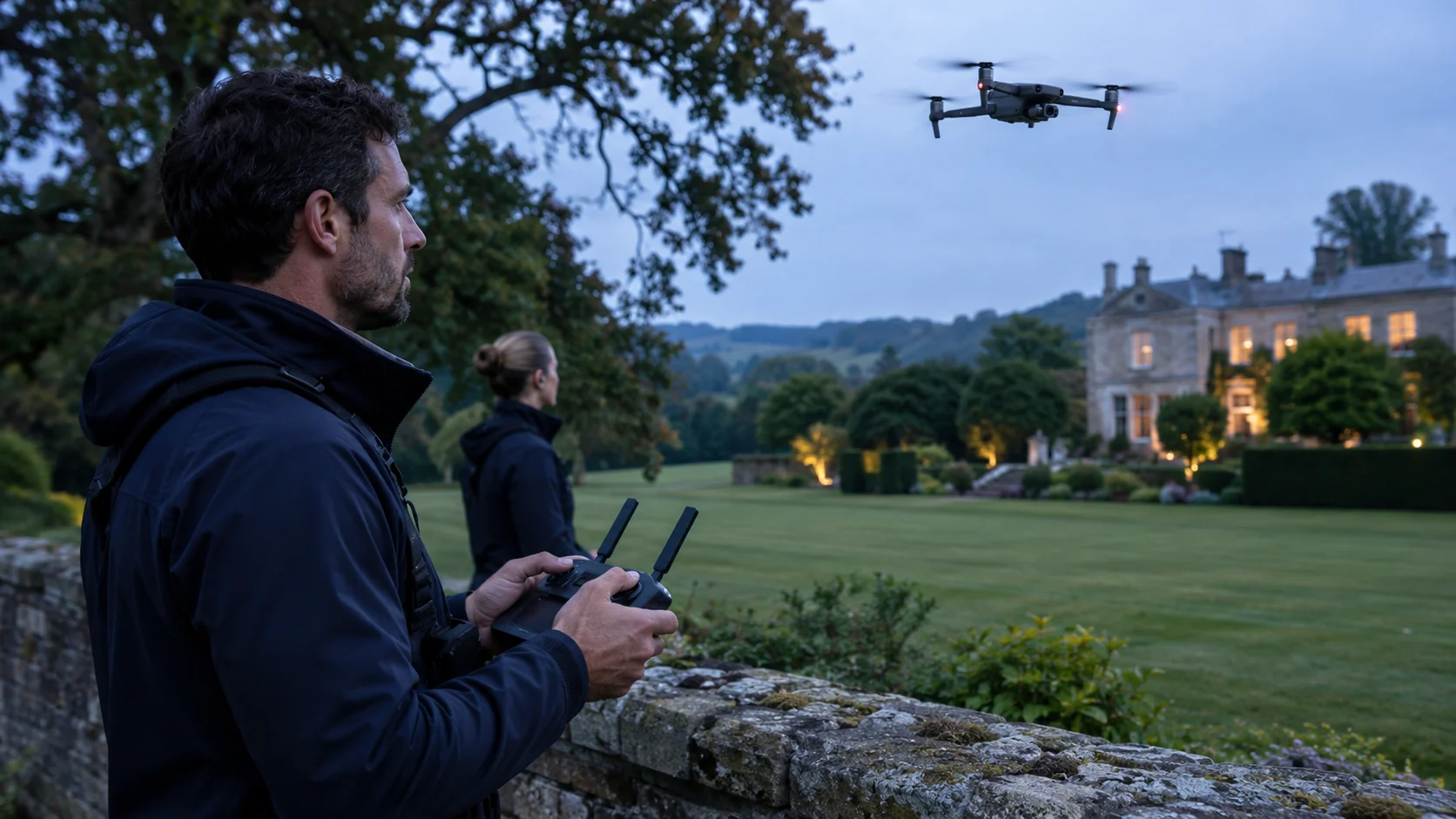
A connected picture of a changing situation
An operator reports a concern. Management reviews the available information. Where included in the brief, a drone or supported camera broadcast adds another view. The designated team receives the update, and the resulting action is recorded.
That connection between observation, communication and responsibility is the operational advantage.
Explore our operated drone security service →A wider view of the task
Where commissioned and configured, supported drone positions and pilot-started camera broadcasts add context to the operational picture. The pilot retains responsibility for the aircraft.
For the client: Better context for the personnel assessing activity and protecting the site.
See the relevant detail
Authorised viewers can follow supported drone video alongside project information. Fixed and third-party camera connections are assessed for compatibility and agreed access.
For the client: Visual information that can inform the next check, decision or response.
Follow the movement
Planned journeys, assigned personnel, progress updates and available location reports sit within the project. Positions are read with their timestamps and connection status.
For the client: Clearer travel coordination and a sounder basis for following up a change.
Keep the team aligned
Project messages connect task instructions, questions and updates. The brief establishes who needs to know, who decides and which contact route takes priority for an urgent concern.
For the client: Fewer gaps between a revised requirement and the people carrying it out.
Bring the briefing together
Our integrated conference workspace is in development for private operational briefings, client meetings and screen sharing. Available functions and readiness are confirmed during a demonstration and before use on an engagement.
For the client: A shared understanding of the plan, responsibilities and decisions.
Give every update an owner
Task progress, check-ins, incident reports and handovers help management identify what needs attention, record the response and carry outstanding actions into the next shift.
For the client: Clear responsibility and a better record of what happened next.
Configured around your assignment. Camera access, aircraft support, location sharing and communication arrangements depend on the agreed brief, enabled features, permissions, equipment and connectivity. A demonstration establishes the capability available for your engagement.
Built around the client
Your arrangements. The right visibility. A team you can reach.
The client workspace connects you or your appointed representative with the people coordinating your protection. Request movements, find project contacts and access the information released for your engagement.
Behind that view, operators and management work within their own responsibilities. You gain a clearer connection to the service while sensitive personnel, commercial and unrelated project information stays within its authorised workspace.
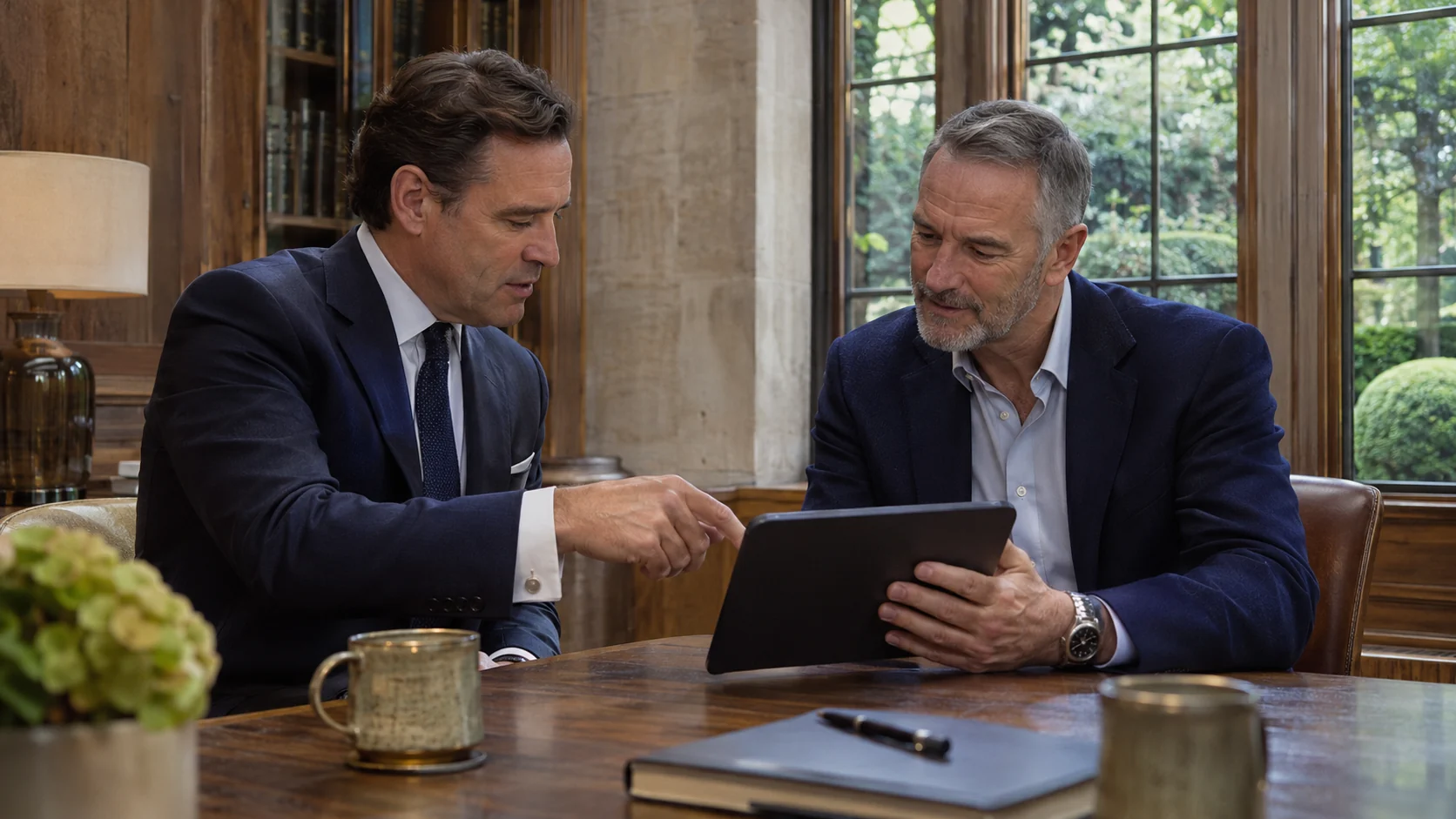
A direct connection to your protection team
The client side gives you an organised view of the arrangements relevant to your project, with access agreed as part of the engagement.
Know the arrangements, reach the right people and keep your team informed when plans change.
Request and follow movements
Submit a movement with the date, timings, collection point, destination and relevant notes. View the arrangements and recorded progress as the team acknowledges and carries out the task.
Find your contacts and project information
Access your project contacts, updates and the documents released for your use. Where agreed for the engagement, authorised client representatives can also be given access to relevant operational views or supported camera broadcasts. Visibility is set around the client’s role and the assignment.
Raise a concern
Use project communication and the SOS control to bring a concern to the attention of authorised personnel. Your team agrees the contact and escalation arrangements with you before the operation.
A view appropriate to your role
The client workspace shows the information made available for your engagement. Internal personnel records, commercial material and unrelated operations remain outside that view.
The task, the brief and a clear way to report
The operator side supports the practical work of delivering a protection assignment, from preparing for deployment to handing over at the end of a shift.
Keep the operational record connected to what is happening on the ground.
Prepare for the assignment
Review assigned projects, tasking and the operational documents released to you. Maintain your availability, profile, qualifications and training information so the relevant management team can assess readiness.
Record movement and task progress
Acknowledge tasking and record key stages such as starting, departing, arriving and completing a movement. Where location sharing is enabled and available, authorised users can view reported positions alongside the project information.
Check in and flag assistance
Provide status updates, record that you are on task and raise a need for assistance. These updates give team leaders and management a clearer basis for follow-up.
Complete reports and handovers
Create incident reports, daily occurrence entries, equipment reports and shift handovers. Record what happened, the action taken and the matters the incoming team needs to pick up.
Keep supporting administration together
View issued equipment, assigned training and relevant personnel requirements alongside operational work. Access follows your role and project assignment.
Operational control with accountable decisions
Project managers, team leaders and senior management need different levels of detail. Pegasus Command connects the project chain of command with the broader resources and responsibilities behind each deployment.
See the requirement, assign responsibility and follow the operation through to review.
Plan and resource the operation
Create the project, define its scope and assign the management and delivery team. Organise work across locations and service teams, review personnel readiness and coordinate equipment and logistical requirements.
Maintain the operational picture
Review tasks, movements, reported personnel and drone positions, check-ins and incidents within the authorised project view. Where configured, supported camera broadcasts add visual context. Read available updates with their timestamps to identify outstanding actions and areas needing attention.
Manage incidents and escalation
Review alerts and reports, acknowledge the issue and record follow-up actions. Keep responsibility for the response clear across the team leader, project manager and senior management.
Control documents and visibility
Keep project procedures, risk assessments, emergency plans and reports together. Manage document review and release, and decide which material is available to operators, clients and other authorised users.
Connect operations with the wider business
Bring personnel readiness, training, equipment and project administration into the same management process. Senior management can review the wider picture while project teams work within their own responsibilities.
The structure behind the deployment
HR, training, logistics and invoicing all support the client
The client sees the team delivering the task. Behind that sits the work of preparing personnel, organising equipment and keeping the project’s administration in order. Pegasus Command brings these supporting functions into the management process.
HR & deployment readiness
Personnel records, onboarding, availability and readiness checks help management review the people being considered for an assignment. Relevant licence, qualification and document checks can be followed up before deployment.
For the client: better preparation and clearer oversight of who is assigned to the work. Confidential HR material remains within its authorised workspace.
Training & competence
Assigned training, completion records and outstanding requirements give the relevant managers a view of preparation across the team. Project tasking can be considered alongside the learning and evidence required for that role.
For the client: a more consistent approach to briefing, preparation and the standards expected on the assignment.
Equipment, vehicles & logistics
Equipment issues and returns, project kit, vehicle requirements and reported defects connect logistical support to the operational brief. The team can record what is issued and what needs attention.
For the client: better visibility of the resources supporting delivery and a clearer route for addressing shortages or defects.
Invoicing & finance review
Operator invoice submissions can be associated with the relevant project, supporting file, period and amount. Finance can review the submission, raise a query and record its approval status.
For the client: a clearer connection between the work being delivered and the administration behind it. Commercial documents are shared through the arrangements agreed for the engagement.
From instruction to review
How an operation comes together
Plan
Agree the requirement, prepare the brief and bring the right people and documents into the project.
Coordinate
Assign tasks, acknowledge movements and confirm responsibilities before work begins.
Deliver
Record progress, check in, share relevant updates and escalate concerns through the agreed route.
Review
Complete reports and handovers, follow up outstanding actions and retain the project record.
For example: a change to a client movement. The client submits revised arrangements. Management reviews the requirement and assigns the task. The operator records progress and any relevant change. The resulting movement record and handover give the next shift the context it needs.
Information with purpose
The right visibility for the right people
Access is organised around individual accounts, roles and assigned projects. A client’s view, an operator’s workspace and a management overview serve different purposes.
Project information is released according to responsibility and the agreed engagement. That keeps day-to-day coordination connected while maintaining boundaries around sensitive personnel, commercial and client material.
Part of the service
Supporting Pegasus Ops deployments
Pegasus Command supports the coordination behind our protection work. Talk to us about how it would fit your team, reporting requirements and operational brief.
Practical questions
Using Pegasus Command
Who can access the platform?
Access is arranged by Pegasus Ops for authorised clients, personnel and management. Your role and project assignment determine the workspace and information available to you.
Can a family office or appointed representative use the client side?
We can agree access for the appropriate client representative as part of the engagement. Responsibilities, authorised users and the reporting route are established with the instructing client or family office.
Does location sharing run all the time?
Location information depends on the device, permissions, connectivity and the operational setup. Management uses the latest available report and its timestamp; a displayed position should not be assumed to be continuously updating.
How does the SOS control fit into the operation?
It provides a way to raise an alert within the platform. The team briefs users on the agreed contact and escalation procedure. For an immediate emergency, use the applicable emergency services and the operation’s agreed emergency contacts.
Is Pegasus Command a standalone software subscription?
This page explains how Pegasus Command supports Pegasus Ops engagements. Contact us to discuss the operational requirement, access and an appropriate demonstration.
Discuss your requirements
A clearer connection between your people and your operation
Ask for a guided demonstration shaped around your assignment. We will show the relevant workspaces, explain available capabilities and agree the visibility and reporting your engagement needs.
Operational images are AI-generated illustrations. They do not show real clients, deployments or product screens.